Did you know YouTube is one of the 3 most-used apps in Brazil? On it, one format keeps gaining ground: live streaming.
Livestreams, as they’re known, have become popular across many different social networks thanks to the interactive experience they offer.
The format is one of the online broadcast types with the highest engagement potential.
In fact, many people watch livestreams to ask questions and connect more closely with speakers.
That’s also why livestreams tend to have a wide reach, sometimes even attracting global audiences.
But organizing one is super simple! Here’s everything you need to know:
- What is streaming?
- What’s the best live streaming platform?
- How does live streaming work?
- How do you do a live stream?
What Is Live Streaming?
Basically, live streaming is a type of online broadcast where audio and video are transmitted in real time.
There’s also no need to download the content to watch it — the name itself makes that clear.
After all, “live” means happening right now, and “streaming” refers to any media that’s transmitted and played back simultaneously, with no download required.
Since it’s broadcast live, live streaming usually allows conversation between speakers and viewers, almost always through a chat.
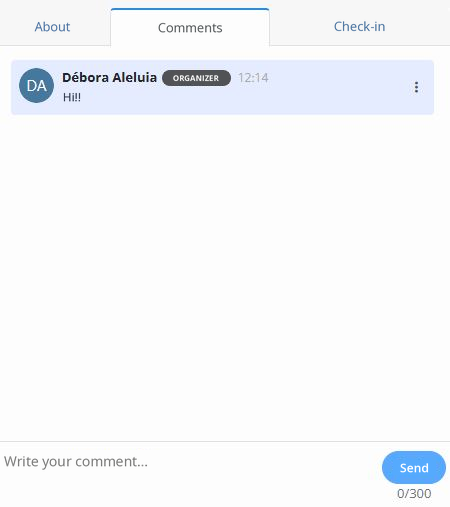
That makes the format more interactive, which is why it’s used by events across many different fields.
What Is a Streamer?
If you’ve already heard the term “streamer,” you’re probably familiar with gaming.
Live streaming became popular largely through online gaming, and many people picked up the field’s terminology.
Basically, a streamer is anyone who broadcasts content live. In other contexts, they may also be known as a host or speaker.
Streamers have become increasingly popular for constantly interacting with their audience in real time, creating a more engaging experience.
What’s the Best Live Streaming Platform?
The best live streaming platform depends on the type of content you want to broadcast and the audience you want to reach.
Here are a few options:
Even3 Streaming
Even3’s online broadcast platform.
If you want, it can be integrated with other live streaming platforms and broadcast your livestream in multiple places at once.
That’s why it’s ideal for livestreams that are part of an event’s schedule.
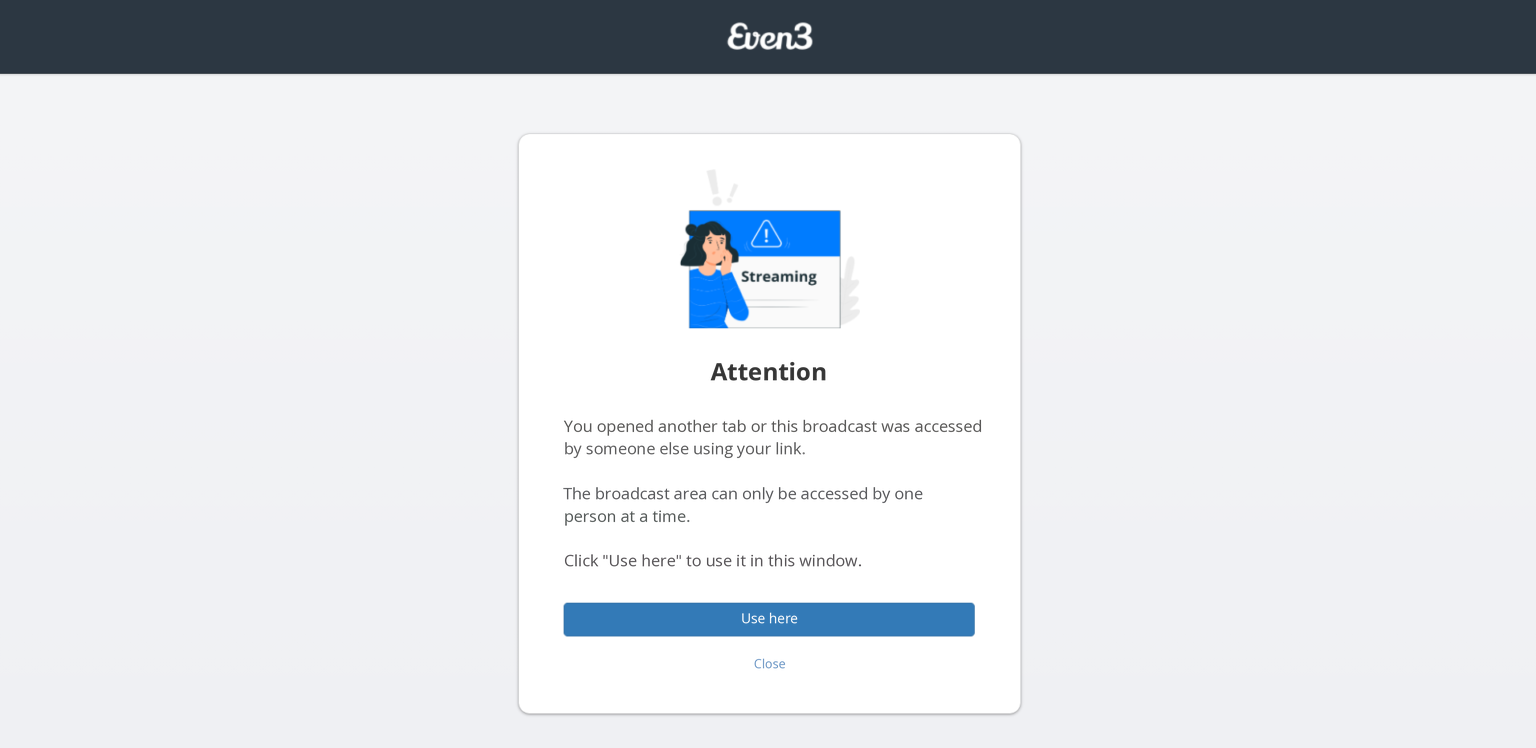
Plus, in the platform’s exclusive broadcast mode, it protects your online broadcast from being accessed by outsiders or people not registered for the event. That makes it the only platform recommended for exclusive content.
YouTube Live
The most popular and easy-to-use live streaming platform.
It allows access to livestreams through its app and boosts the reach of streams hosted on the platform.
That’s why it’s ideal for open content aiming to reach a wide, diverse audience.
Twitch
A streaming platform mainly focused on gaming and esports broadcasts.
It offers advanced interaction tools, like the ability to sell content.
So, it’s recommended for reaching gamers and niche communities.
Facebook Live
Similar to YouTube Live, Facebook also lets you create livestreams on a widely used social network.
However, here, live streaming tends to engage more with people who already follow your page.
So, it’s recommended for events aiming to strengthen their community, like product launches, webinars, pre-event content, and so on.
Instagram Live
Very similar to Facebook Live, Instagram is another platform used for community-building events.
It’s focused on short-form, highly interactive content.
Zoom and Microsoft Teams
Closed live broadcast platforms that let you create private rooms.
These offer even more interaction, since attendees can actively participate, if allowed.
That’s why they’re mostly used for closed courses, corporate events, webinars, and virtual meetings.
How Does Live Streaming Work?
As mentioned, live streaming is a way to broadcast a video and audio file in real time over the internet, with no download required.
It works with the following equipment:
- Capture device: you’ll need a camera or webcam to capture audio and video;
- Audio device: if you want, you can improve your audio capture with dedicated microphones;
- Internet: most livestreams will demand a lot from your internet connection. It’s recommended that your computer be directly connected via cable;
- Encoding: for most livestreams, you’ll need a virtual studio, like Streamyard or OBS Studio, to capture your video and audio and send them to an online broadcast platform;
- Broadcasting: the encoded data is sent to a streaming server, or streamed directly to the server, as is the case with Instagram Live.
How Do You Do a Live Stream?
1. Prioritize Your Persona
Before starting your livestream, it’s essential to understand who your audience is.
That’s why you need to create a persona.
It’s the ideal representation of your target audience, and this definition will guide your choice of the most suitable platform.
For example, if you want to reach a younger audience that’s active on social media, platforms like Instagram Live or Twitch might be more effective.
For corporate content, Zoom or Even3 Streaming might work better.
2. Choose the Platform
After defining your persona, select the platform that best fits your needs.
As mentioned, each platform has specific traits that should match the demands of your broadcast.
3. Prepare Your Equipment
The quality of your broadcast depends directly on the equipment you use.
Invest in a good-quality camera to ensure a sharp image, and a microphone that captures clear, noise-free audio.
Also, don’t forget to check your internet connection, since an unstable connection can compromise the whole experience.
Finally, most streaming platforms require a virtual studio for encoding. So, check out options like Streamyard and OBS Studio to broadcast your livestreams, edit them, create layouts, and more.
4. Plan Your Content in Advance
Planning is crucial for the success of any livestream.
So, clearly define the topic, the main points you’ll cover, and the length of the broadcast.
Also, consider including moments of interaction with your audience to boost engagement.
5. Technical Setup
Get everything ready for the big day! Set up your virtual studio and the tools of your chosen streaming platform.
This includes adding images, inserting support materials, editing the layout, and exploring what your virtual studio has to offer.
6. Run Tests
Run a test to make sure everything is working correctly.
Test the audio, video, and the stability of your internet connection. If needed, also run a training session with speakers and staff.
That way, you can fix problems before the live broadcast and prevent issues.
7. Start the Broadcast
Start your livestream and be ready to interact with your audience in real time.
So, answer questions, read comments, and mention attendees who interact in the chat. All of this will help you build a stronger connection with your audience.
Also, use calls to action (CTAs) to keep your audience engaged. Ask them to share the livestream, take part in polls, or leave comments.
8. Track Your Data
Once your livestream is over, it’s time to analyze your data.
With information on views, interactions, and audience profile, you can improve future broadcasts.
It’s also worth sending post-event feedback forms.
These actions can be done easily with the help of a streaming platform.
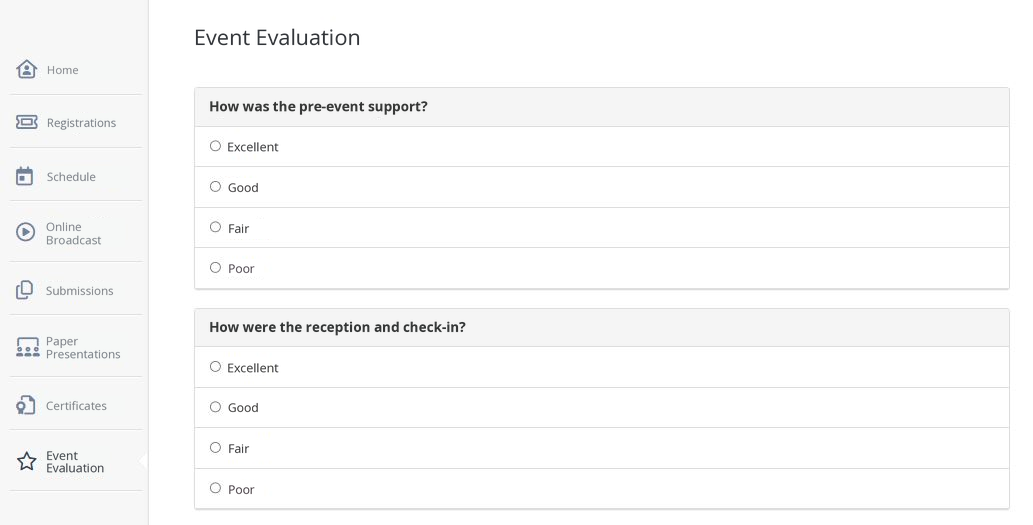
You can also collect registrations, sell tickets, protect your broadcasts, and much more with the platform.
Enjoy an easier way to manage every stage of your live streaming with Even3. Create your event for free.



