When organizing an event involves hundreds of attendees, offering centralized communication and an interactive experience stops being a nice-to-have. It becomes a necessity.
That’s where the Even3 event app comes in.
With it, you create a custom app that matches your event’s look and feel, bring all the important information into one place, and strengthen interaction among attendees.
If you’re looking for a professional solution that’s easy to set up and comes with specialized support, this article will show you exactly why and how to get your app with Even3.
Why Create an App for Your Event?
A dedicated event app transforms the attendee experience and makes the organization’s job easier. Here are the main benefits:
- Centralized information: agenda, schedule, map, online streaming, credentials, and FAQ all in the app, without relying on emails or printed materials;
- Ongoing engagement and real-time communication: send notifications, share news, receive questions from attendees, and create a direct channel with your audience;
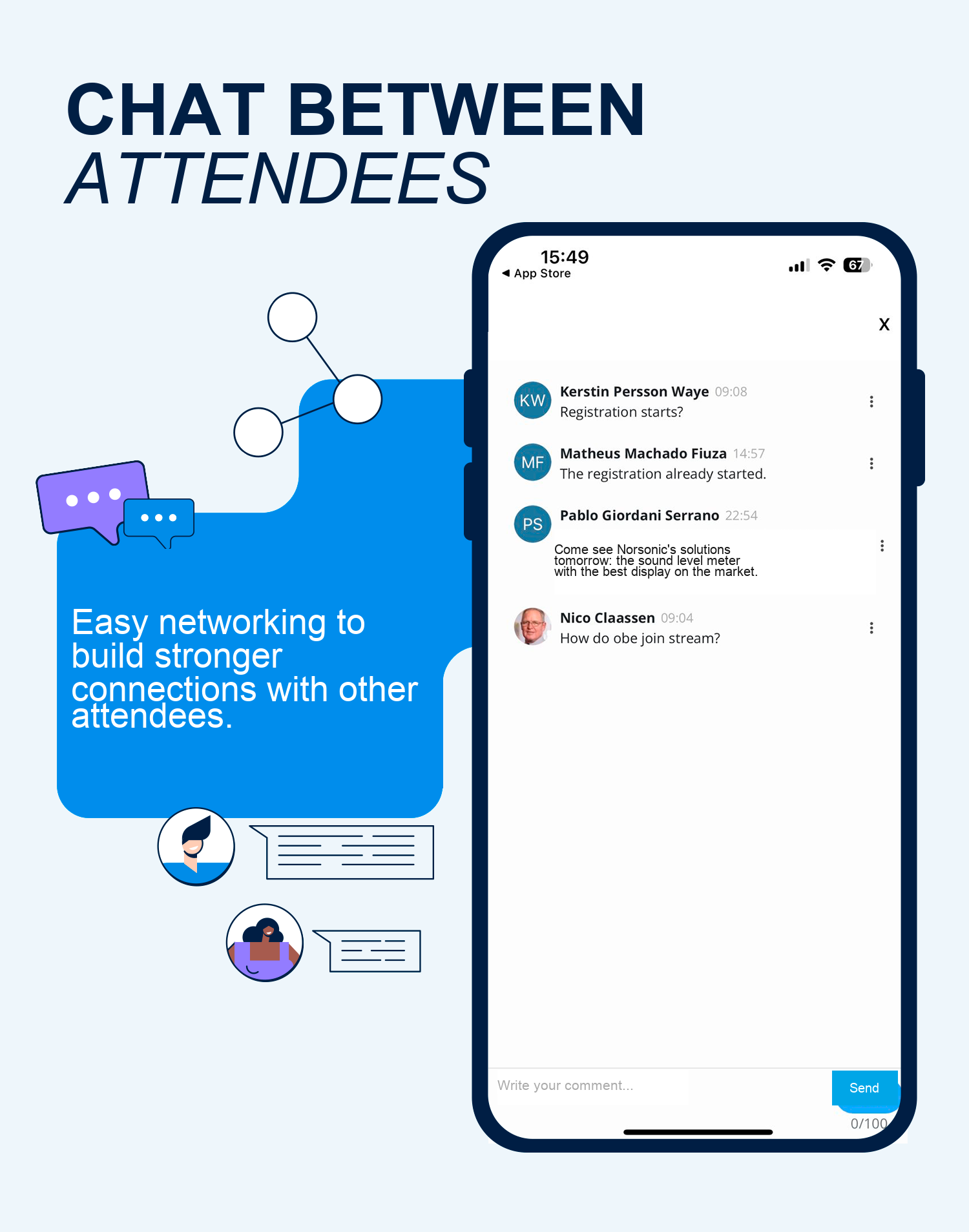
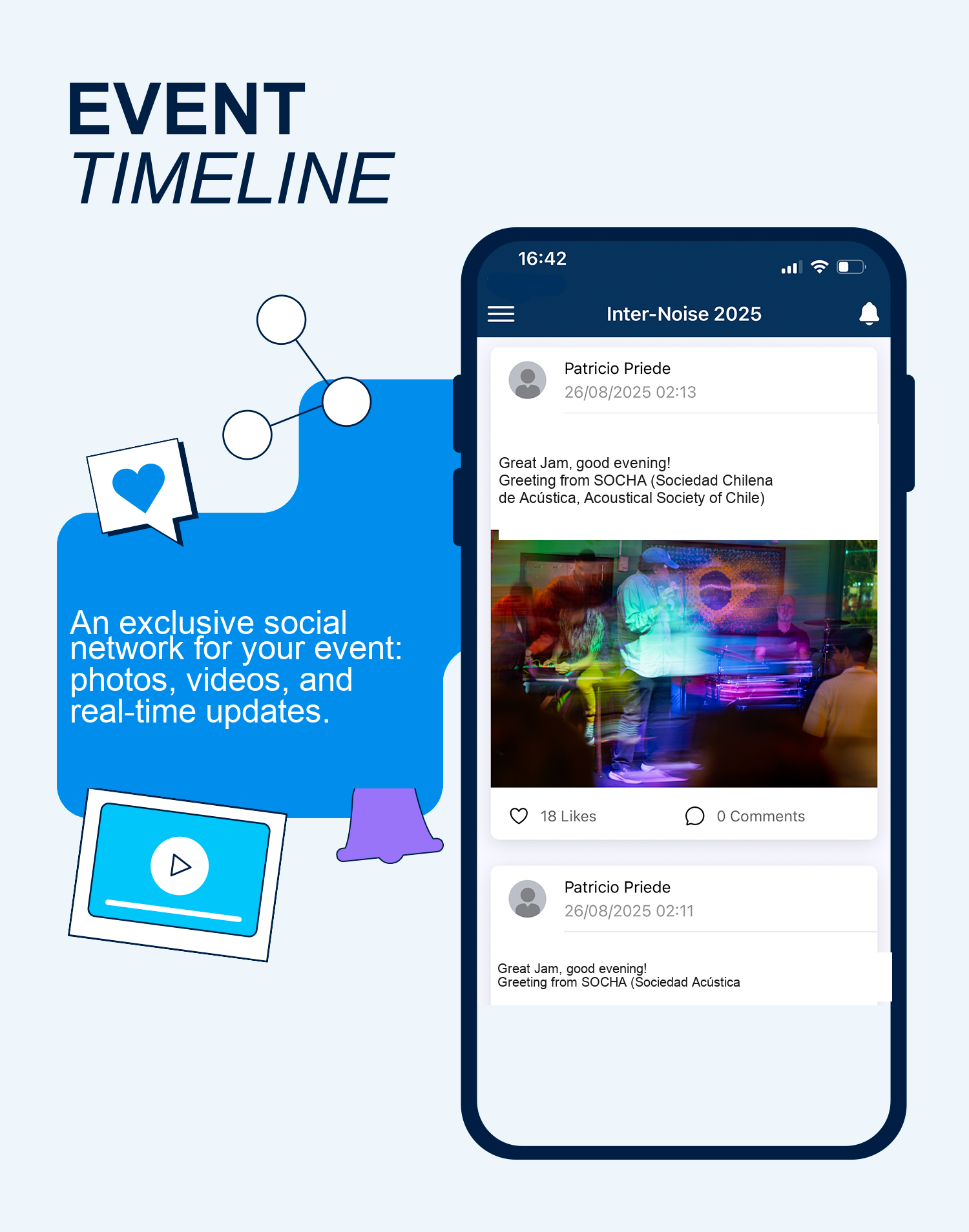
- Networking and an active community: chats and timelines let attendees interact, share photos and videos, and build professional connections right within the event;
- Visibility for sponsors: your app can include exclusive spaces for brands, reinforcing your commercial delivery and helping attract supporters;
- More authority and professionalism: show off your event’s value and authority with a secure app available on the Apple Store and Play Store.
How to Build an Event App on Even3
You don’t need to start from scratch or deal with coding.
With the Even3 event app, the process is simple:
- 1️⃣ Talk to a consultant and request the app with the ideal settings;
- 2️⃣ Set the colors, images, and sections you want;
- 3️⃣ The Even3 team develops and publishes your app within 30 to 90 days, depending on the app model chosen.
Even after it’s published, you can update the app directly through the Even3 platform, in real time.
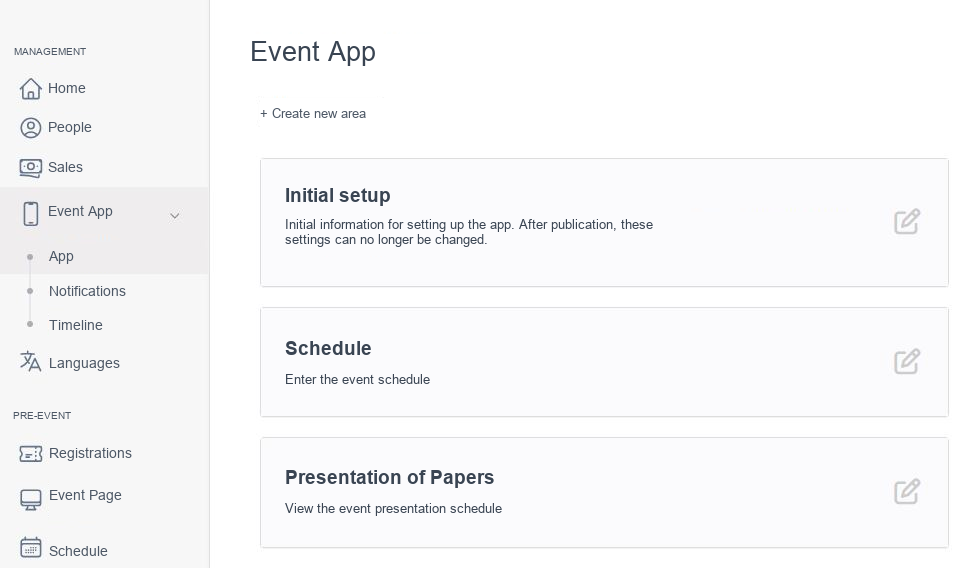
This gives you and your team full control over your event’s app.
Main Features of the Even3 Event App
Now, if you’re wondering what your event’s app can do for you, here are some features you can use:
Complete Customization
- Choose colors, images, sections, and layout without touching any code;
- Create exclusive sections for sponsors, extra content, or industry news. This gives attendees one more reason to open your app every day.
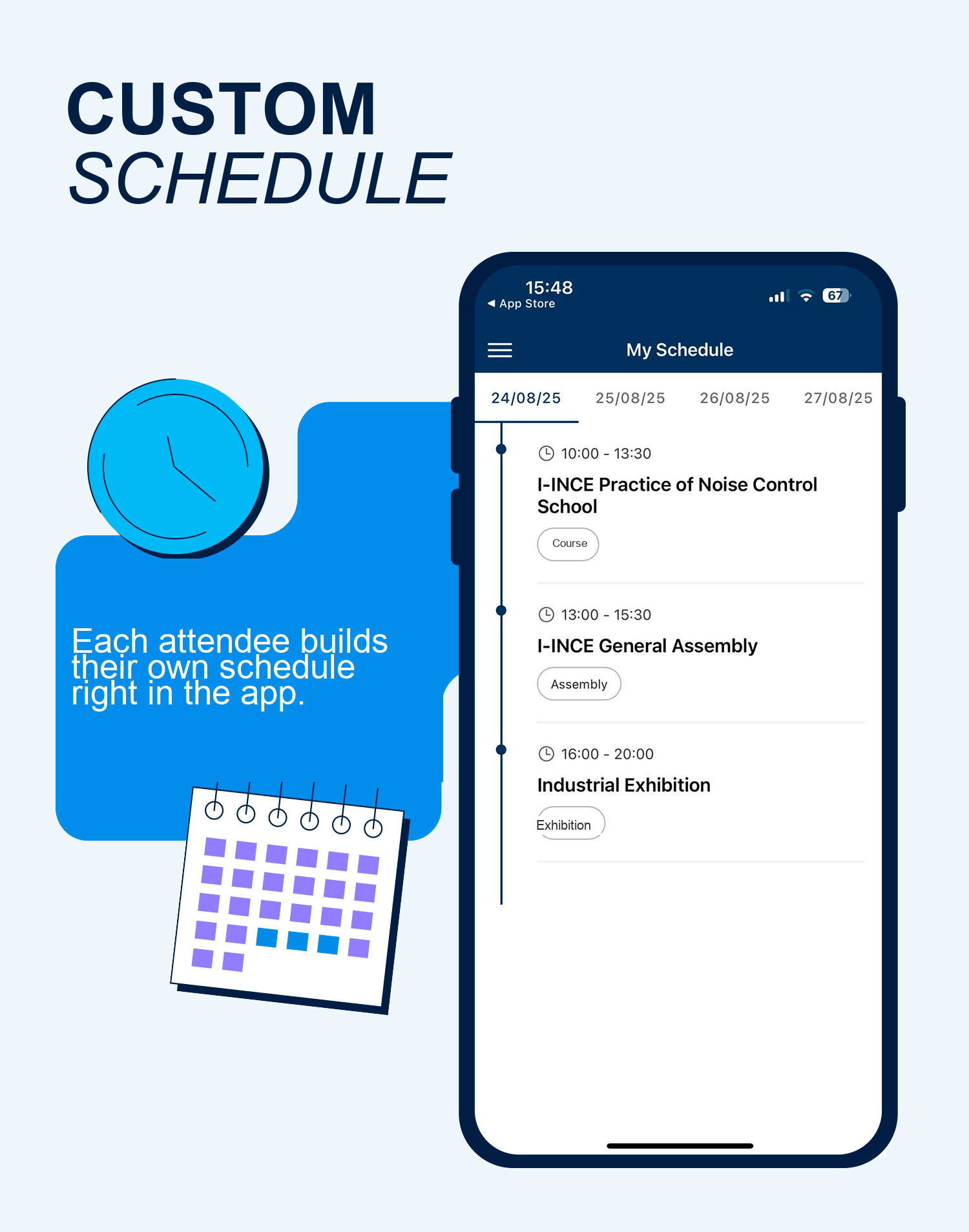
Attendee Agenda
- Each registrant builds their own schedule, choosing activities right in the app.
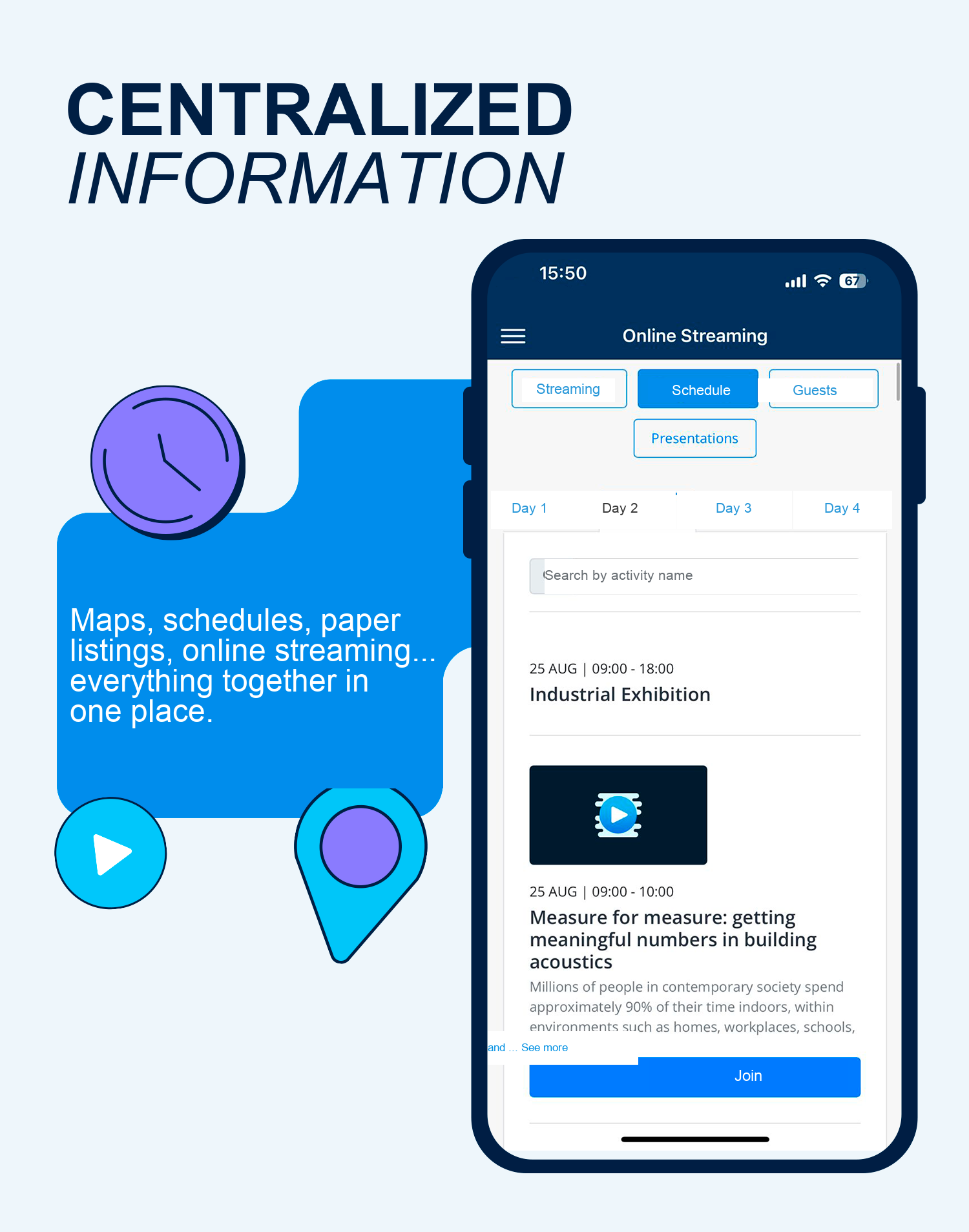
All Event Information in One Place
- List of presented papers with time and location;
- Location and time of activities;
- Event map;
- Online streaming and room access;
- FAQ section to quickly answer common questions, such as the event’s Wi-Fi password.
Networking and Real-Time Interaction
- Chat between attendees;
- Timeline with photos, videos, and updates, turning your event’s app into an exclusive social network for it.
Notifications and Engagement
- Send important alerts during the event;
- Share news, reminders, and custom announcements.
Interaction with Speakers
- Receive questions through the app, or integrate it with other tools like Google Forms or Sli.do;
- Organize questions more smoothly and without interruptions.
Get the Ideal App for Your Event
Now it’s time to create your event’s app!
But you don’t need to build anything from scratch: Even3 takes care of it all!
Count on specialized support, a custom layout, and features that make your event stand out.
Talk to a consultant now and get the app for your event with Even3.



