Have you ever stopped to think that an event’s cover image is what gives attendees their first impression of your event?
After all, on an event website, the cover image plays a leading role and communicates important information, such as theme, location, times, branding, professionalism, and much more!
In these cases, an image is worth more than a thousand words!
So, have you ever wondered what your event’s cover is actually communicating?
With that in mind, we’ve put together a list of 10 event cover inspirations, and we’ll also explain more about:
- Why is an event website important?
- What your event cover shouldn’t be missing;
- How to add your event’s cover on Even3?
Why is an event website important?
First of all, there’s no point putting together a beautifully designed event cover just to post it anywhere, right? That’s why you should promote your event in the right places.
In that sense, an event website is ideal, because:
- It’s essential for online ticket sales;
- It works as the official communication channel with the event’s organization;
- It’s fundamental for your marketing;
- Unlike most digital channels, it’s fully customizable, so it communicates everything about your branding in one place;
- It’s an official place to publish content about the event.
Also, with the growth of online events, having a website has become essential to ensure presence, authority, and security.
Have you ever heard the saying “if it’s not on Google, it’s not real”? Indeed, if something isn’t online nowadays, it’s hard for people to believe it truly exists.
So, a website is your event’s spokesperson! That’s why every event website created through Even3 is always indexed on Google search.
So our tip for organizers is to always pay attention to the user experience, offering complete information that clears up all attendees’ doubts, and above all: making it easy and safe to sell registrations.
In this context, the cover is the first contact a user has with the event website. In other words, it’s the first piece of information their brain processes, since the event cover usually occupies a prominent position.
In such an important position, it can either convey or fail to convey trust and credibility to potential attendees. That’s one of the main reasons why you should carefully craft your event’s cover.
What your event cover shouldn’t be missing
To help you make a great first impression, we’ve put together a few best-practice tips for event covers.
1. Deliver the most important information right away
As you already know, no beating around the bush — let your attendees know right away what the site is about: highlight the event title and/or theme, date, and location.
This best practice is recommended because nowadays most users consume online information very quickly, doing what’s known as scannable reading.
In other words, when they land on your website, potential attendees will quickly scan all the relevant information and take it all in fast.
So, within seconds, they’ll decide whether the site’s content interests them or not.
That’s why the most relevant information about your event needs to be attractive and clearly visible on the site — in the tabs, descriptions, and especially in the cover image.
2. Be clear and objective
When communicating the main points of your event, it’s best to be clear and objective, so attendees can get an idea of what the site is about with just a quick glance.
So avoid packing too much information into one place — prioritize what’s essential and explain the rest throughout the site’s description.
It’s time not to be afraid to cut things down! This will also make a difference for another key aspect of a website: how easy it is to read on mobile.
3. Don’t forget: mobile first!
Speaking of reading on mobile, we can’t forget that keeping the site readable on mobile devices is a priority.
That’s because the growing access to the internet via mobile has led many websites to adapt their format, adopting what’s known as responsive design — meaning they adjust to work well across different devices.
In short, this shift is so important that even Google decided to prioritize mobile-responsive sites.
In other words, mobile-friendly sites, as they’re also called, are usually the ones that show up first in search results.
So adopting a responsive website model is essential both to be found and to create a positive experience for every attendee, no matter where they’re accessing from.
But if you don’t know how to set up your site that way, don’t worry!
On Even3, your event’s exclusive website is already mobile friendly, and it even has a cover format that’s more suited for reading on mobile.
4. Use the right formats for your event’s cover image
Finally, adjusting the size of your event’s cover image is a super simple, but absolutely necessary, tip.
The right size lets you distribute important information well, without cropping or adding too much data.
But pay attention: cover sizes vary depending on each event website. For example, on Even3 your cover measures 1100px by 440px.
Even3 Tip: If you don’t have your own image, you can create one using the Canva platform.
That way, you can input the image size and create a layout quickly and easily. Then, just download it and upload it to the platform.
For more professional cases, you can also hire a freelance designer through tools like GetNinjas and 99Designs.
Ready to see it in practice? Get inspired by 10 event covers
Before you start designing any artwork for your event’s cover, it’s very important to look for inspiration.
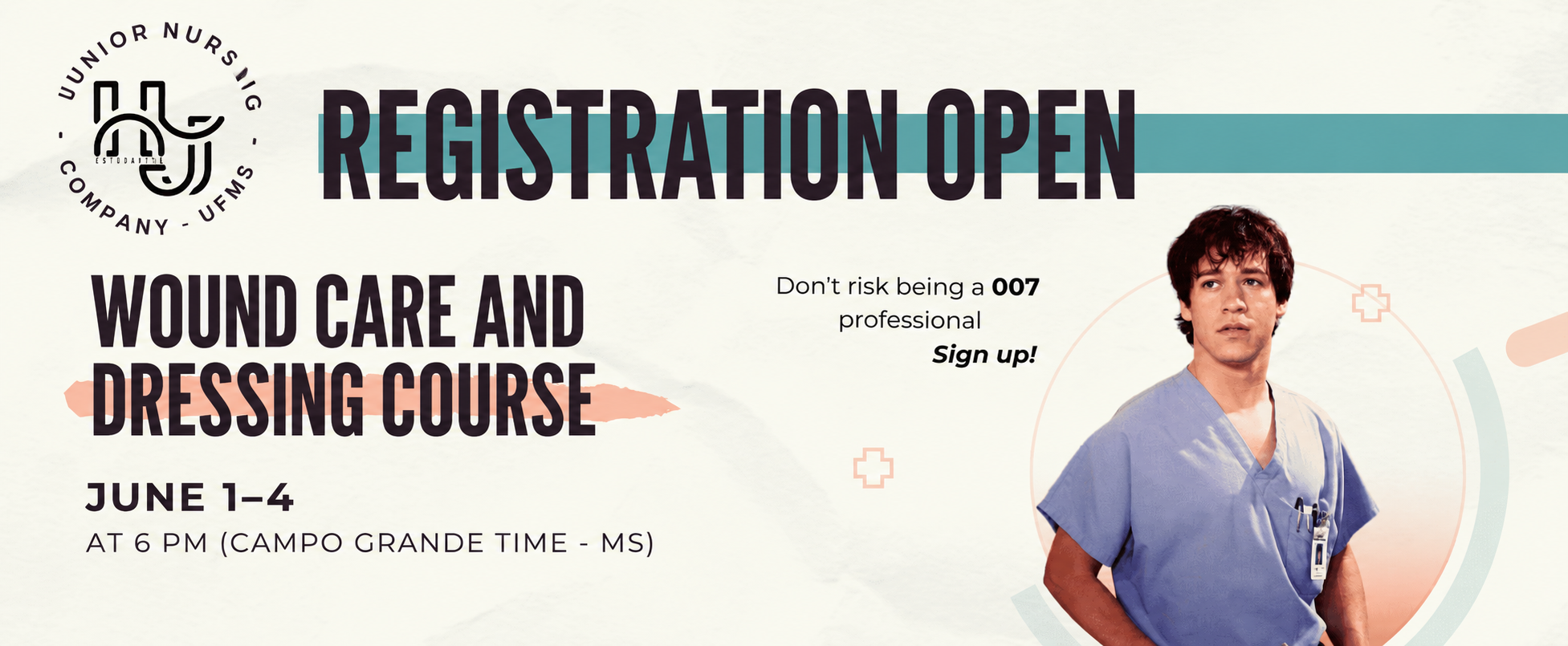
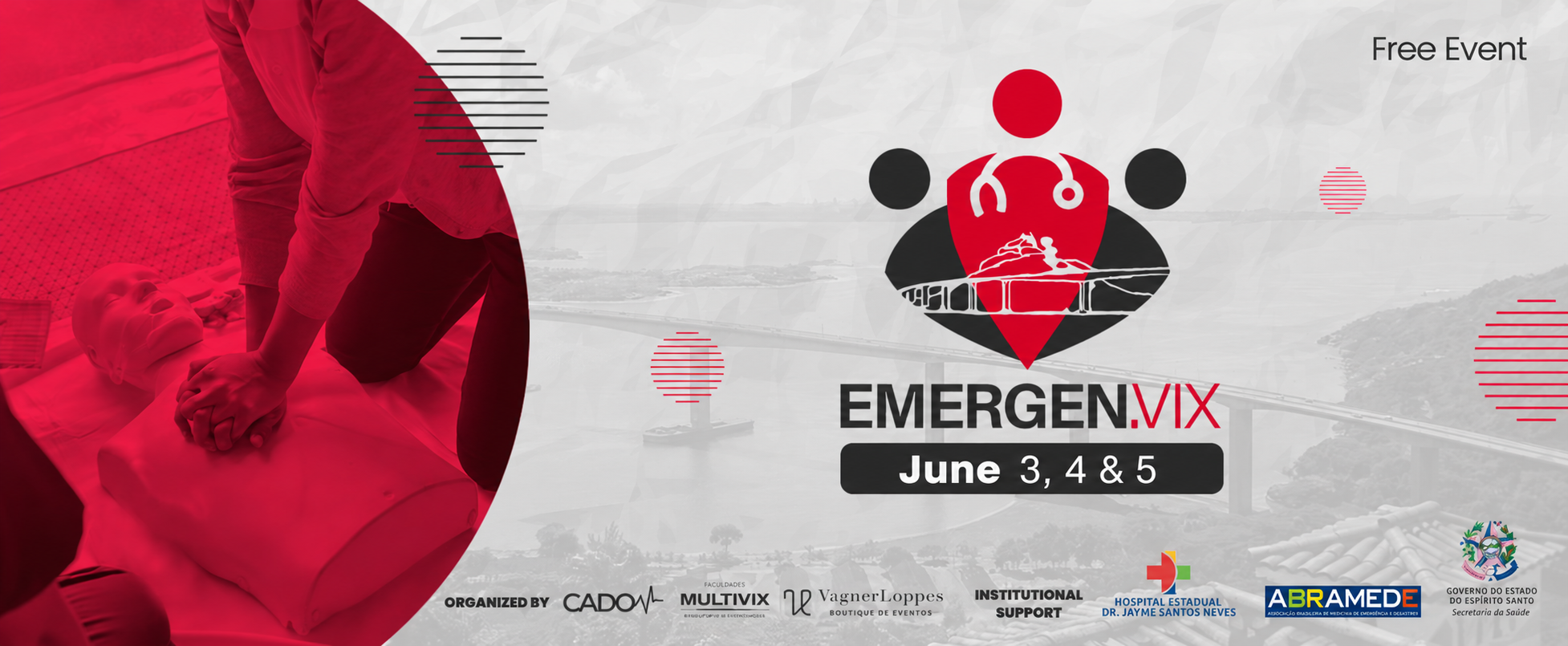
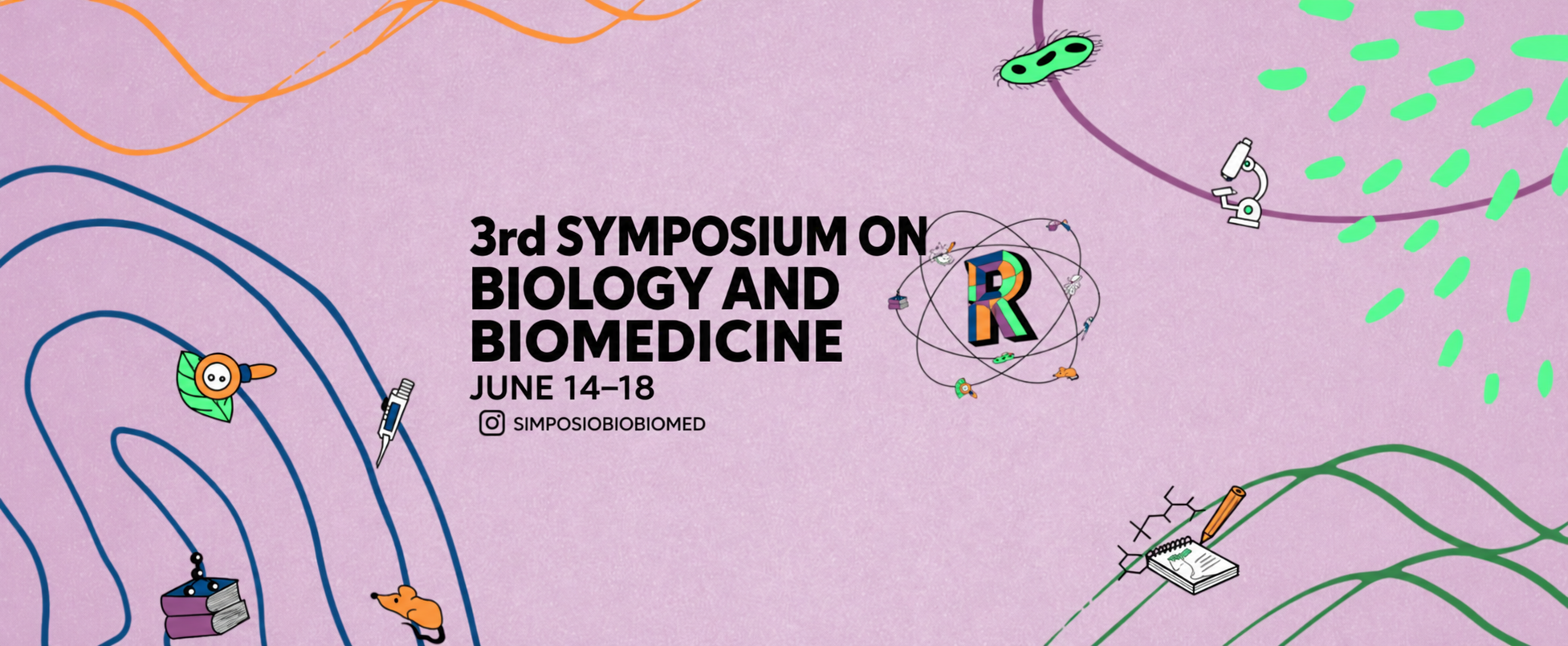
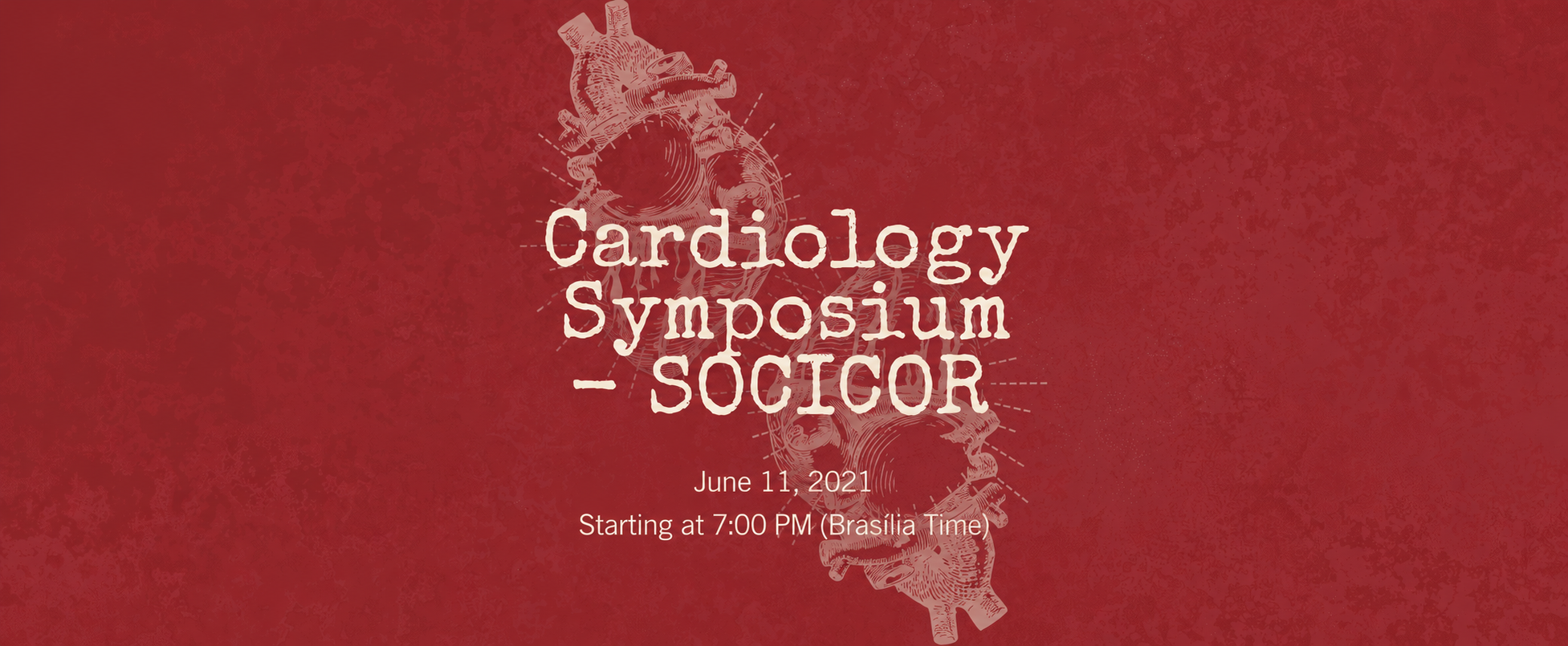
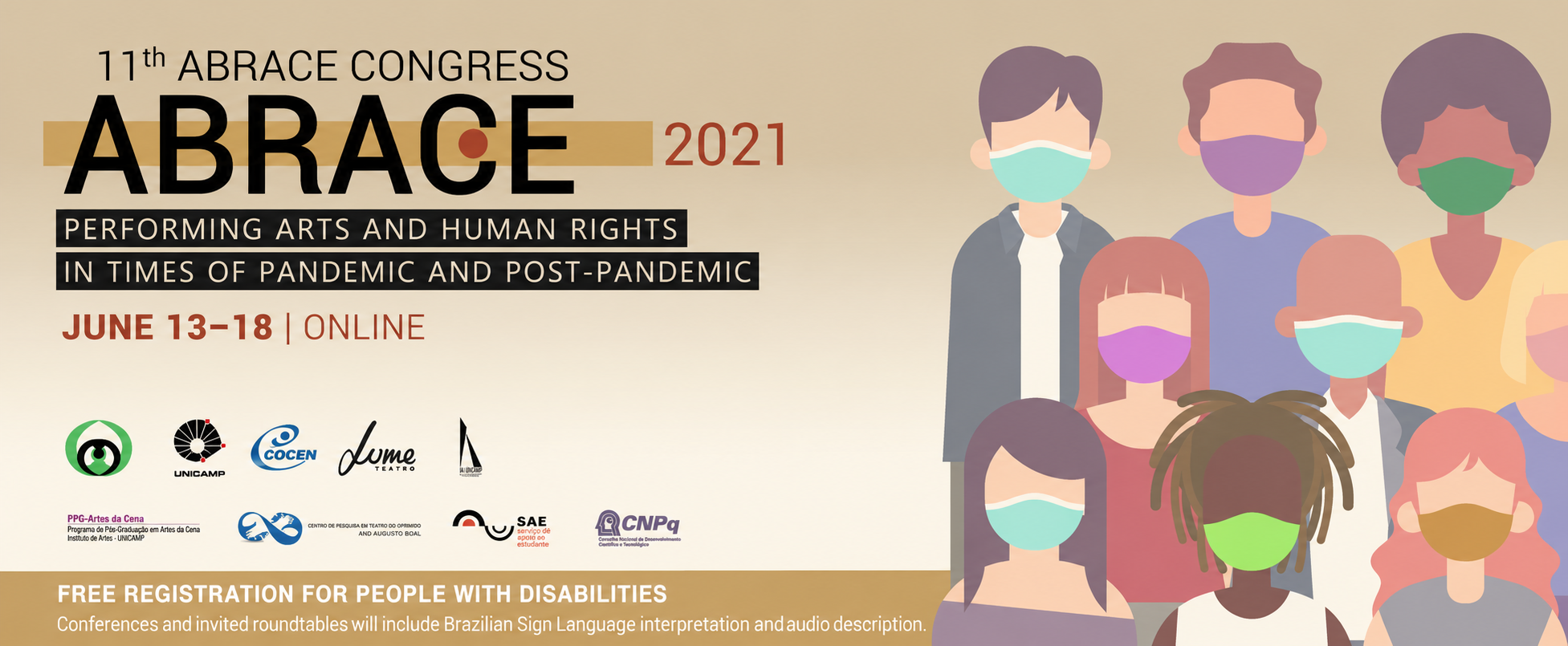
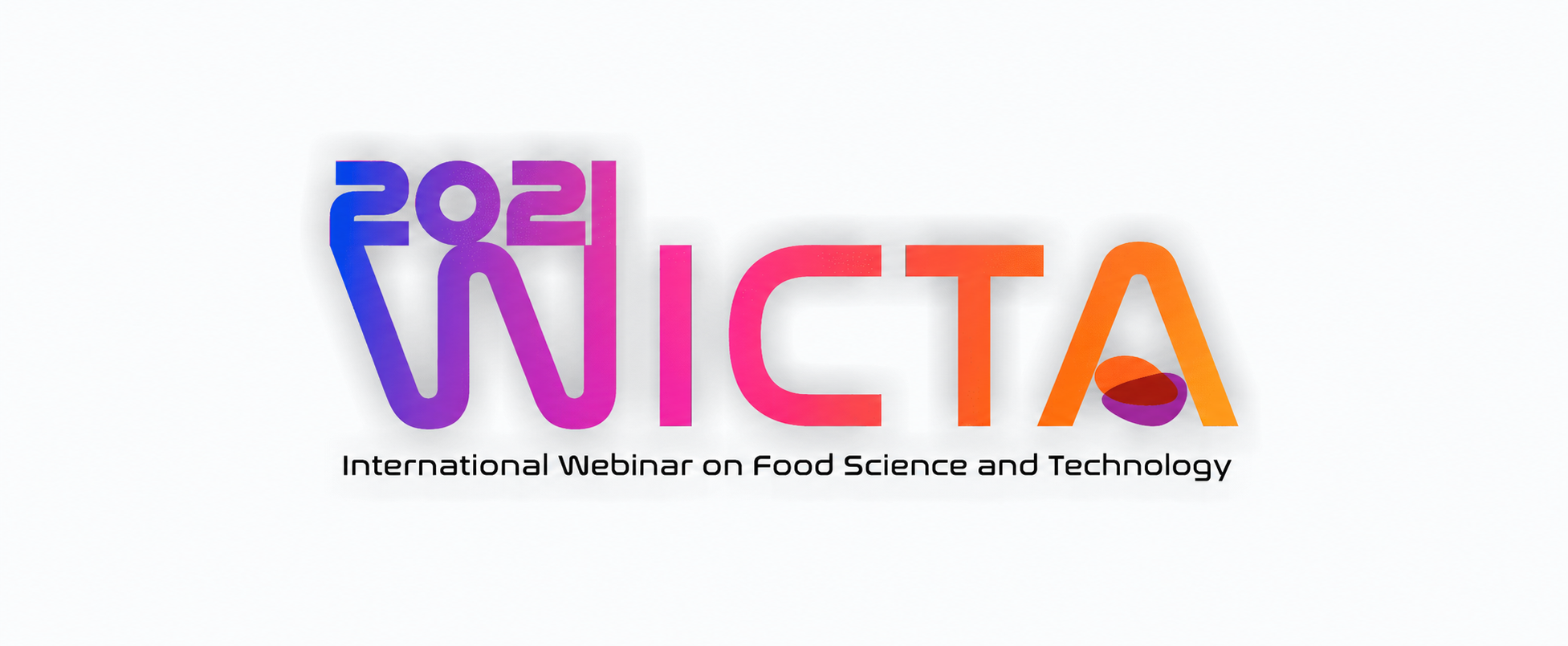
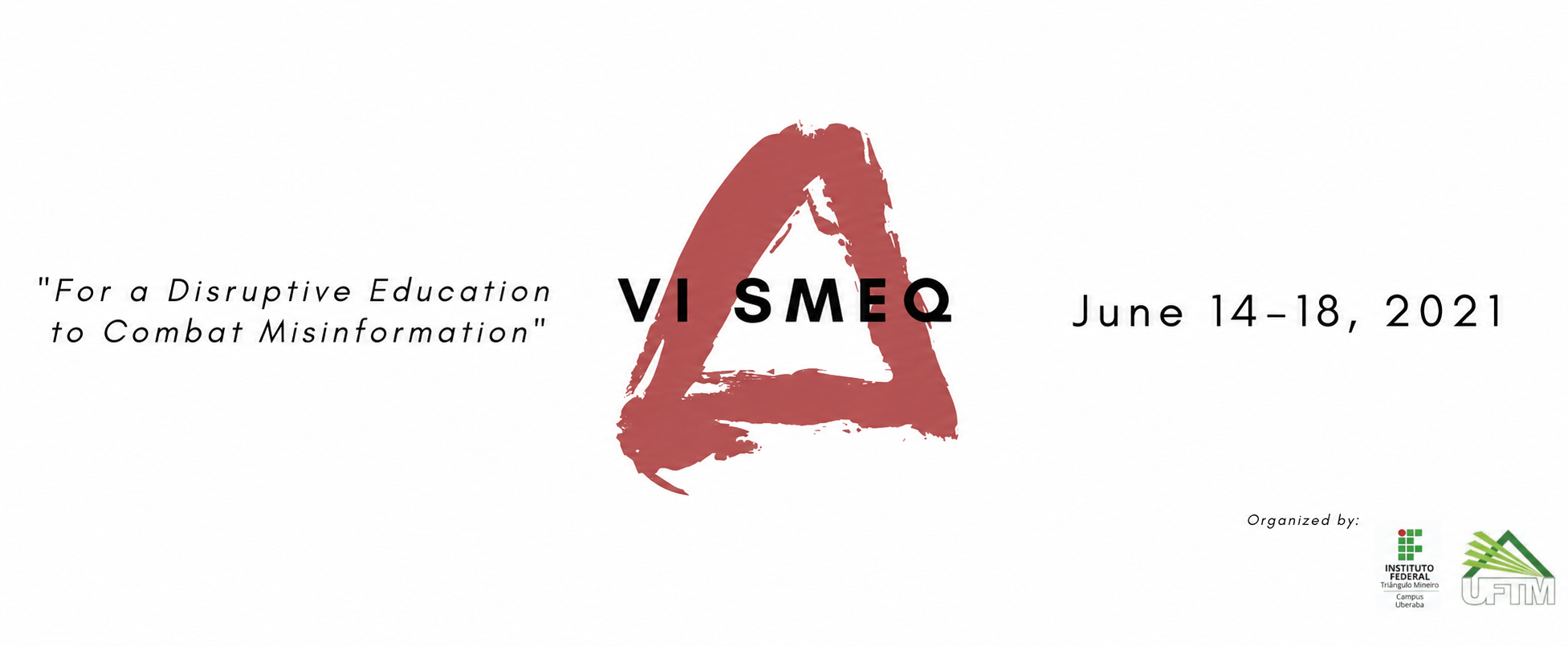
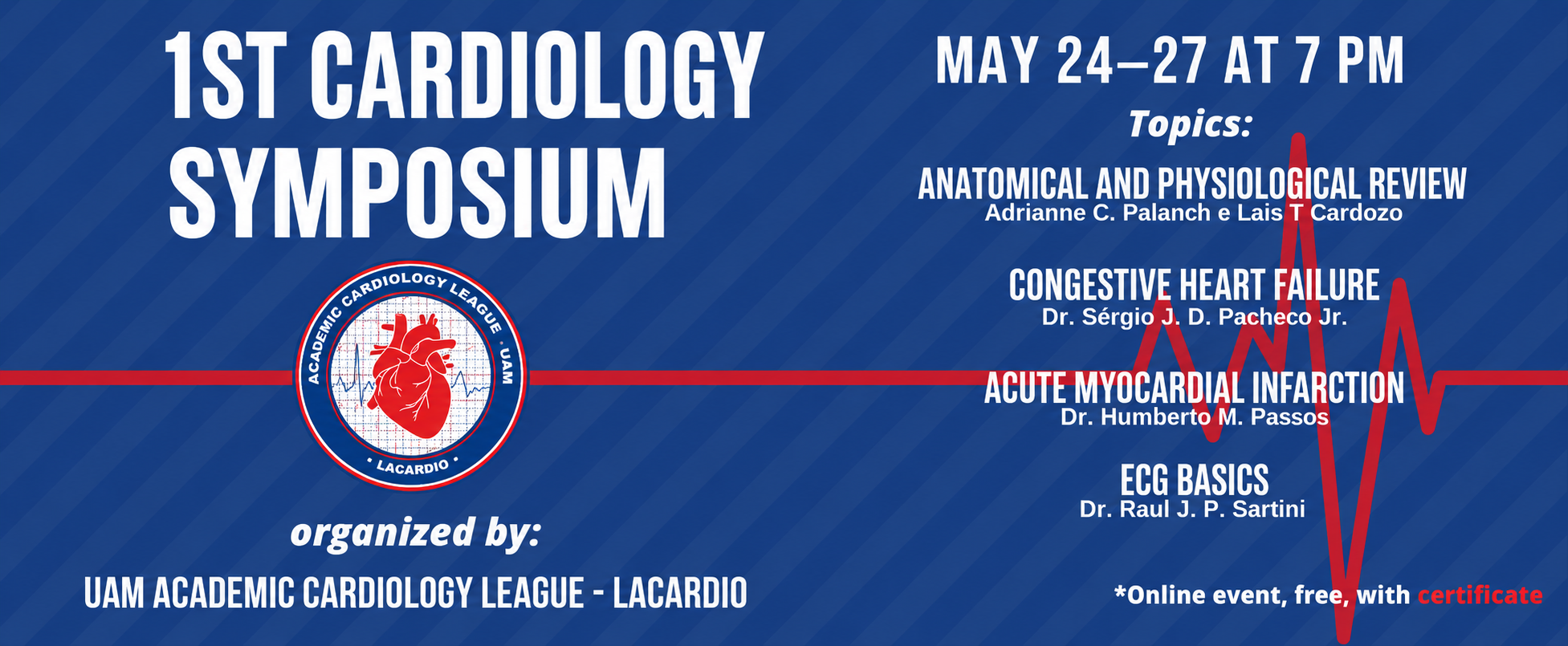
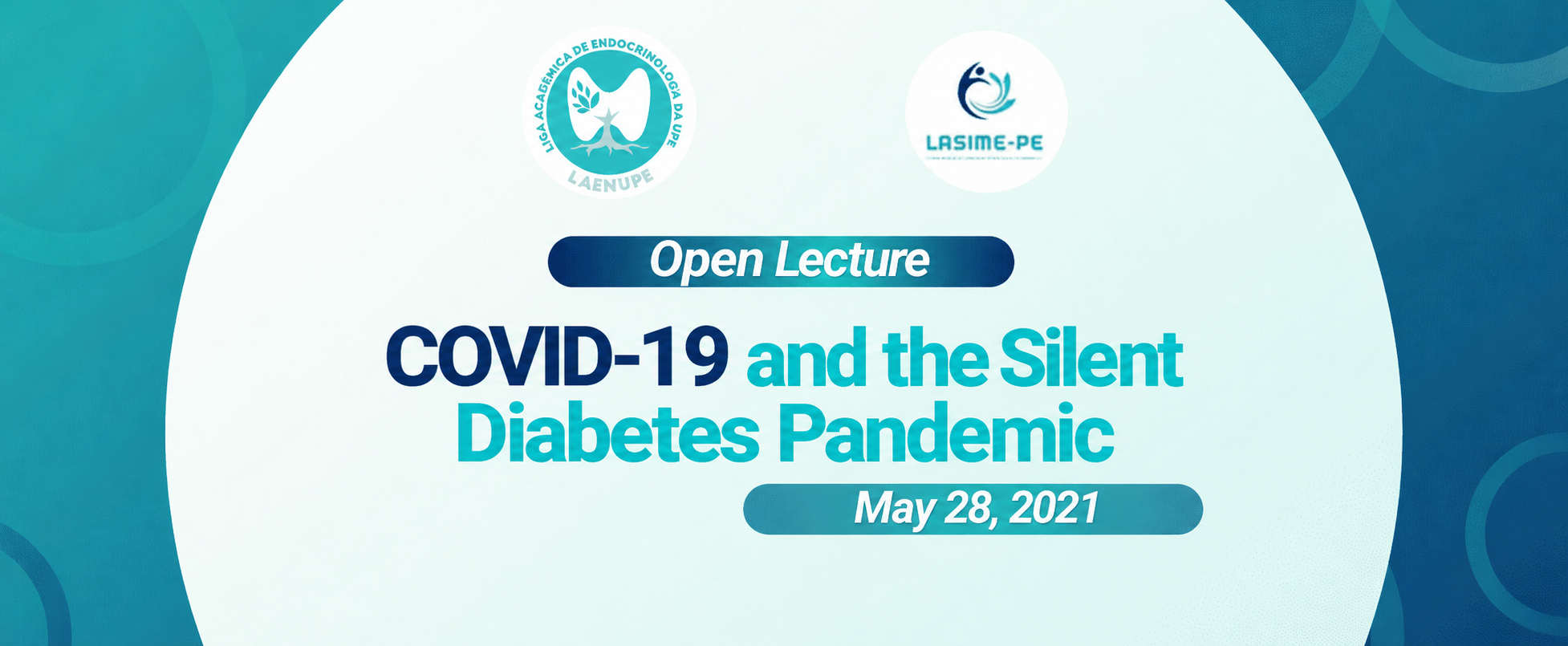
With that in mind, below we’ve selected a few standout covers to inspire you.
As you’ll notice, there are some really important visual elements in the composition of these images, such as:
- Overlapping colors that make text easier to read;
- Colors that relate to the event’s theme;
- Important information clearly highlighted;
- Logos and sponsors displayed.

How to add your event’s cover on Even3?
Now that your event’s cover is probably ready, it’s time to add it to a complete event website.
Even3 lets you create an event and have a website completely free of charge.
So, in addition to all the benefits already mentioned, you can also customize your event’s page in a dynamic and intuitive way.
For this, you’ll just need your cover image to be in banner format, sized 1100px by 440px.
If you don’t upload it in that size, the image will be automatically adjusted by the platform, and in some cases, it may be cropped to fit the standard size.
So, how about trying out these features on our platform? Get started for free.



